 Paulo Castellano
Top 8 Knowledge Base Software for SaaS in 2025 Compared
Compare the top knowledge base software for SaaS in 2025 with AI search, integrations, analytics, and scalability features.
If you’re in SaaS right now, you know it’s chaos out there. New products launch before yesterday’s even finished updating, and every user wants instant answers the second something doesn’t click. Support tickets, onboarding questions, “how do I do this?”- it never stops.
That’s why a knowledge base is critical for SaaS. It’s where your users go before they decide whether your product’s worth their subscription fee. And yes, it’s the difference between a team that scales and one that spends its week explaining the same three things on repeat.
92% per cent of B2B SaaS leaders say customers using integrations and self-service tools are way less likely to churn. The lesson here is, if you give people answers before they ask, they’ll stick around longer.
Now, I’m Paulo Castellano, founder of Pipeback. I’ve built my own knowledge base software to help SaaS businesses. Yes, it’s on this list. I’m not saying mine’s the best… well, it is. But before building it, I spent months deep in market research, testing every platform out there just to figure out where I could outdo them. So, yeah, I know this stuff inside out.
I’m just piping up that knowledge for you. I’ve rounded up the top 10 knowledge base tools for SaaS in 2025. The ones actually worth your time.
But before you dive in, if you want a quick refresher on what a knowledge base software is and the features that make it work, check out the full guide first. It’ll give you the context you need before picking the right tool.
The Best Knowledge Base Software For SaaS In 2025 (Comparison And Reviews)
Scroll on, read and decide which tool actually deserves a spot in your stack.
Tool
Best For
Pros
Cons
Pricing (per user/month)
Pipeback
All-in-one SaaS support and knowledge base with AI automation
All-in-one simplicity, AI-powered support, seamless integration
Premium pricing for premium value
$20 (Essentials) / $40 (Pro) / Custom (Enterprise)
Helpjuice
Detailed analytics and customization for large teams
Deep analytics, flexible editor
No live chat or automation tools
$120 - $669 (based on users)
Document360
Version control and structured documentation
Clean UI, strong version control, multi-knowledge base support
No built-in live chat, limited real-time collaboration
Custom pricing on request
Zendesk Guide
Companies already using Zendesk suite
Tight integration with Zendesk, strong autosuggest and analytics
Costly at scale, limited beyond support
$19 - $115 (based on tier)
Confluence
Technical and internal documentation (engineering teams)
Excellent Jira integration, real-time collaboration
Heavy UI, lacks public KB features
$6.40
Notion
Startups needing flexible internal wikis
Highly flexible, great templates and internal linking
Not ideal for public KB, limited analytics
$10 - $15
Tettra
Small teams using Slack/Google Workspace for internal docs
Strong Slack/Google integration, simple and user-friendly
Not built for public use, limited customization
$4 - varies by usage
Freshdesk Knowledge Base
Support teams wanting integrated ticketing and KB
Unified tickets + KB, solid automation and workflows
Basic KB, many features locked behind higher tiers
$15 (Growth) / $49 (Pro) / $79 (Enterprise)
1 - Pipeback
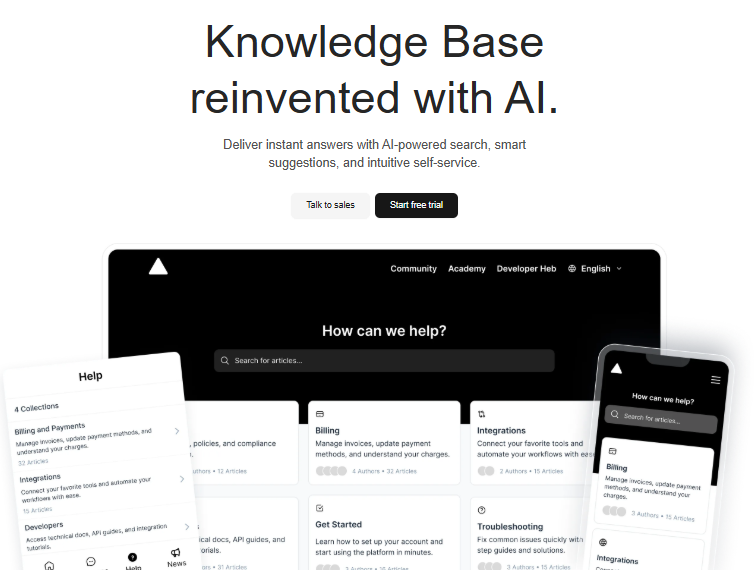
Pipeback is a full customer success platform built for SaaS teams who are tired of juggling five different tools just to talk to their users. It brings live chat, product updates, automation, and yes, a powerful AI-driven knowledge base together in one clean workspace.
The knowledge base feature is where things really click. It’s fast, intuitive, and actually understands what users mean, not just what they type. Smart search, article suggestions, and smooth self-service work together so your customers get answers before they even hit send.
Wanna see how the Pipeback knowledge base actually works instead of me just bragging about it? Watch the video below 👇
Key highlights:
- Intelligent AI search: Understands user intent, context, and typos to deliver spot-on results fast.
- Built for SaaS workflows: Embed articles directly into your product, support chat, or help center—no messy code or widgets.
- Collaboration made simple: Teams can edit, approve, and track article changes in real time.
- Analytics that matter: See what users search, where they get stuck, and how your content performs.
- Multilingual ready: Speak your users’ language, literally.
- Customization for growth: Control layout, branding, and access levels as your SaaS scales.
- Security-first: Role-based access, SSO, and GDPR-ready permissions keep data safe.
Pipeback’s strength lies in how it turns knowledge into momentum. Support teams close tickets faster, customers stay informed, and everyone gets more done.
If you’re building your first help center or upgrading a troublesome one, this guide on how to create a SaaS knowledge base step by step breaks down what works (and what doesn’t) - straight from experience building Pipeback itself.
Pro:
- All-in-one simplicity: Everything from live chat to product updates and knowledge management lives under one roof, so your team actually works in sync.
- Instant, AI-powered help: Smart search and suggestions make support feel effortless for customers and agents alike.
Cons:
- Premium pricing for premium value: Pipeback isn’t the cheapest option out there, but it’s built to replace multiple tools. Which means it usually pays for itself fast.
Pricing:
The pricing starts at $20 per user per month for the Essentials plan, which includes a knowledge base. The Pro plan, priced at $40 per user per month, adds features like AI, automation, and team collaboration tools. There’s also a custom plan available for enterprise customers with advanced needs.
2 - Helpjuice
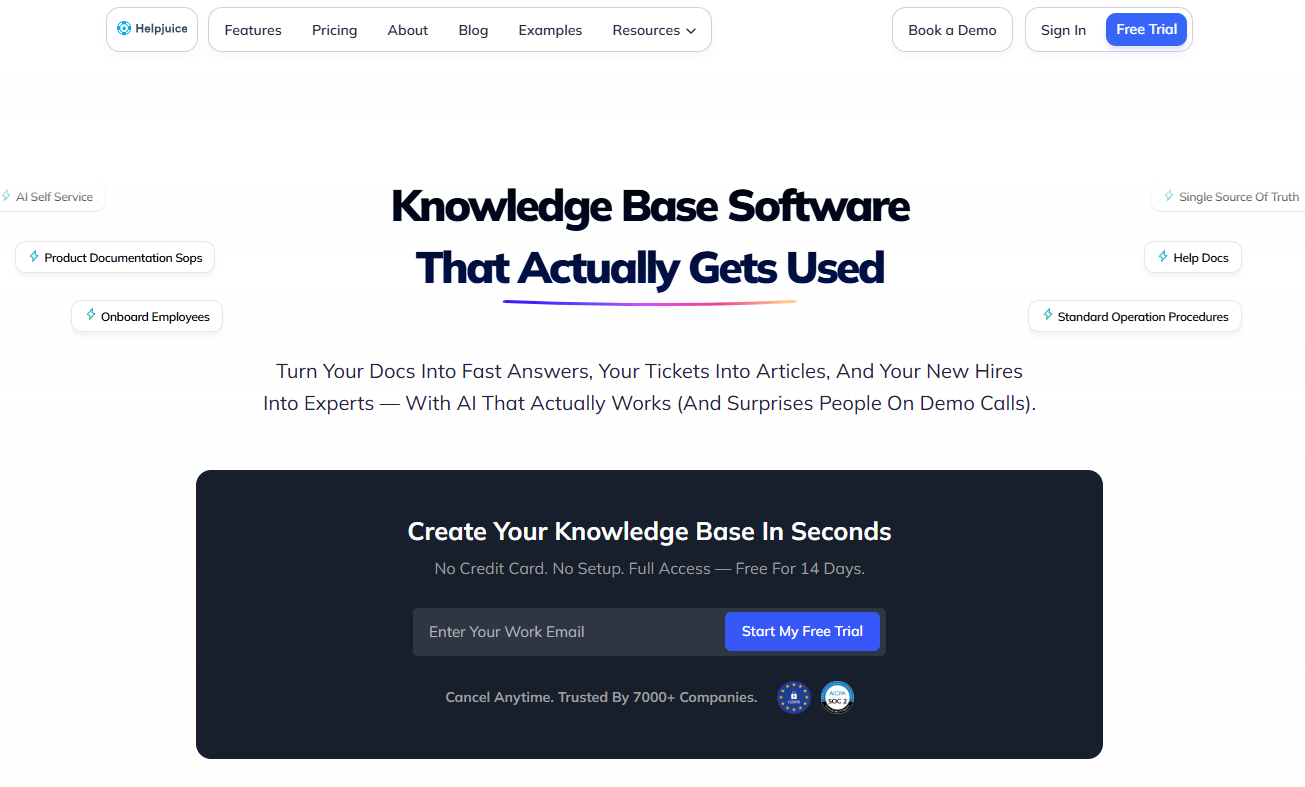
Helpjuice is known for deep analytics and useful customisation settings. Their editor is one of the more flexible when it comes to formatting, which some large SaaS teams appreciate. The platform offers:
- Easy editor for publishing and updating articles quickly
- Built-in analytics on who searches, what they read, and where they bounce
- Collaboration tools: comments, co-authoring, version control
- Basic integrations with Slack, Google Suite, and some CRM options
- Options to make spaces public, private, or partner-only
Pros:
- Strong analytics give valuable insight into what users search for and where they drop off.
- Solid editor flexibility, ideal for teams that care about formatting and structure.
Cons:
- Lacks modern SaaS essentials like live chat, automation, and product update flows, which means you’ll rely on extra tools to fill the gaps.
Pricing:
The pricing starts at $120 per month for up to four users and goes up to $669 per month for unlimited users. A 14-day free trial is also available for new users to explore the platform.
3 - Document360
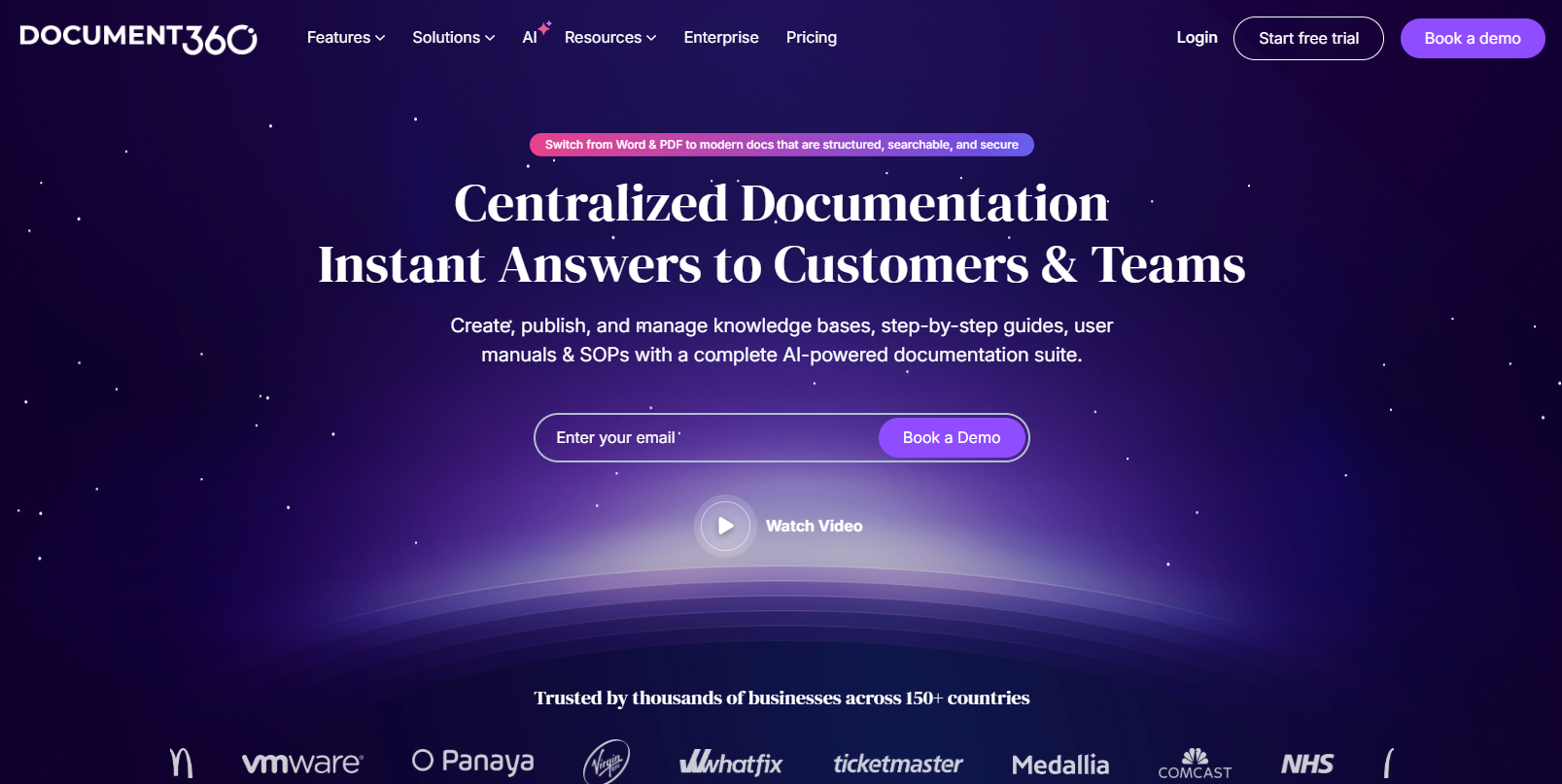
Document360 attracts teams who want lots of version control and clean interfaces. Its popular features include:
- Markdown editor, custom layouts, smart search
- Multiple knowledge bases per brand or product
- Article version history and rollback
- API-based integrations for developers
- Decent analytics and feedback controls
Pros:
- Strong analytics and feedback features give valuable insight into how users search, what they read, and where they drop off.
- Clean, intuitive interface with solid editor flexibility - supports both Markdown and WYSIWYG, great for structured documentation.
- Robust version control and rollback options, ideal for teams managing multiple releases.
- Multi-knowledge base setup lets you maintain separate portals for different brands or products.
Cons:
- Lacks built-in live chat, automation, and product update flows - requires integrations or external tools to fill these gaps.
- Pricing scales quickly as you add editors or projects; enterprise features are locked behind higher tiers.
- No true real-time collaboration (no simultaneous co-editing like in Notion or Confluence).
Pricing:
The pricing for Document360 is not publicly listed. You need to request a quote to receive a customized plan. The company mentions that the cost depends on the selected features and AI capabilities included in the package.
4 - Zendesk Guide
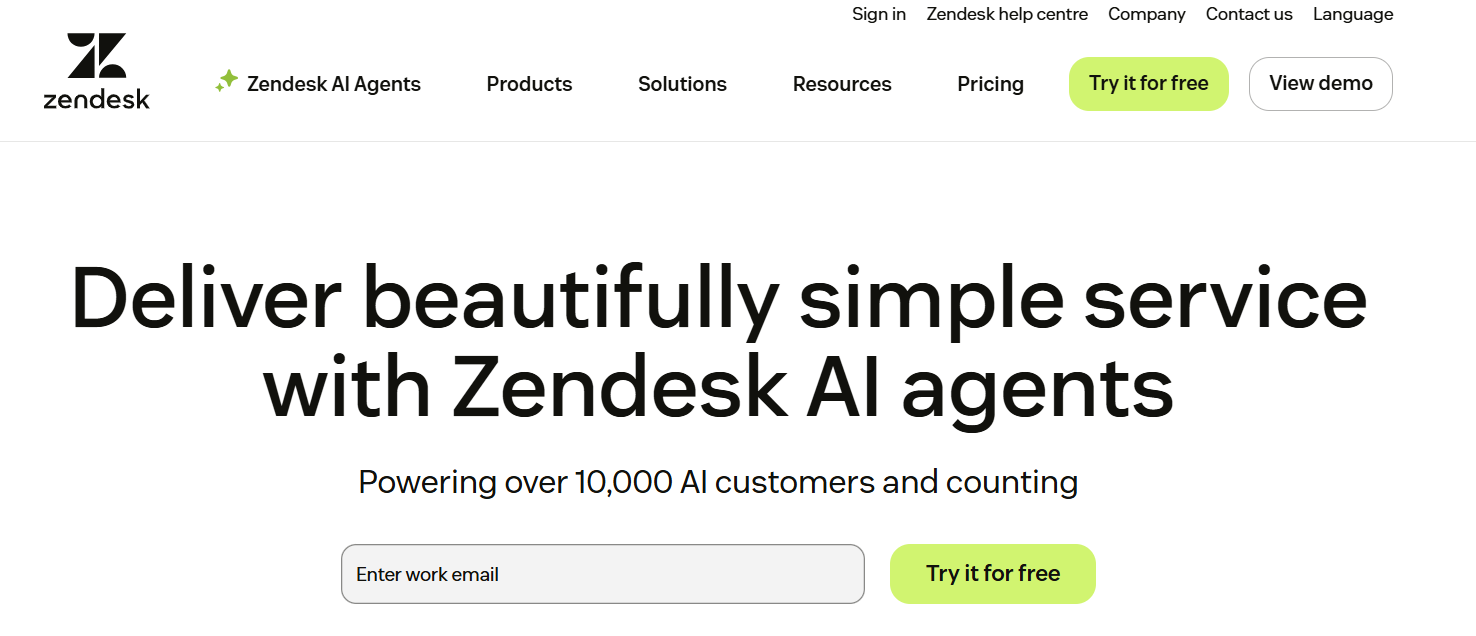
Zendesk Guide is best for companies already using Zendesk’s broader helpdesk suite. It’s easy to publish articles linked to support tickets, and for many large companies, it’s already in use. Some advantages include:
- Tight integration with Zendesk ticketing
- Good search and autosuggest in support portals
- Article feedback and analytics
Pros:
- Deep integration with Zendesk tickets and workflows.
- Strong search, autosuggest, and analytics.
- Reliable enterprise-grade performance and customization via add-ons.
Cons:
- Limited beyond support—no built-in sales or product update tools.
- Many useful features are locked behind higher-tier plans.
- Can become costly for multi-brand or large teams.
Pricing:
The pricing starts at $19 per agent per month (with annual billing) for the Suite Team plan. Advanced plans are priced between $55 and $115 per agent per month, depending on the features and integrations included. Custom enterprise pricing is also available upon request.
5 - Confluence
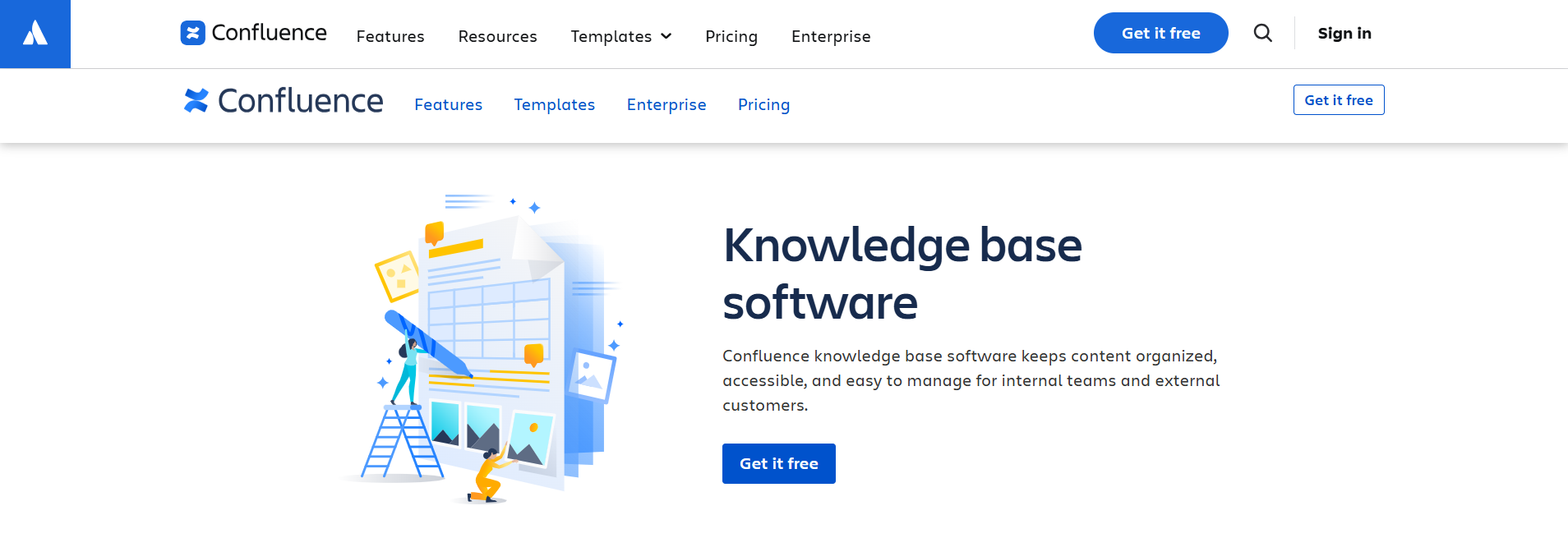
Confluence (by Atlassian) remains a favorite for technical, internal documentation. SaaS dev teams, product managers, and QA love it:
- Granular permissions and content controls
- Embedding of code snippets, diagrams, and project docs
- Collaboration-focused workflows (tasks, comments, and inline edits)
- Marketplace apps for further integrations
It’s a solid tool for engineering, but not a modern, public-facing knowledge base. Customers find the UI confusing, and it lacks live chat, marketing features, sales ties, and a smart, customer-friendly search.
Pros:
- Seamless integration with Jira and other Atlassian tools.
- Real-time collaboration with version control and permissions.
- Scalable structure with spaces, pages, and templates.
- Premium tier includes analytics and 24/7 support.
Cons:
- Interface can feel heavy for nontechnical users.
- PDF exports and formatting are inconsistent.
- Key features (analytics, automations) locked behind Premium/Enterprise.
- Integration with non-Atlassian apps may need extra plugins.
Pricing:
Pricing for Confluence starts at $6.40 per user per month (billed annually).
6 - Notion

Notion is the darling of many startups and small SaaS teams. People love its:
- Drag-and-drop content blocks and multimedia support
- Internal wikis and light knowledge management
- Templating, simple databases, and internal linking
Pros:
- Highly flexible layout: drag-and-drop blocks, internal linking, databases.
- Great for internal wikis, team collaboration, brainstorming, and documentation.
- Many templates and community support ease setup.
Cons:
- Not ideal as a branded public knowledge base lacks advanced portal / customer-facing features.
- Permissions and access control can get complex in larger teams.
- Analytics, search, and reporting are more basic compared to dedicated KB tools.
- Performance issues with heavy content or large databases; mobile and offline support are weaker.
Pricing:
A free plan is available, while paid plans start at $10 per user per month for the Plus plan. The Business plan costs around $15 per user per month with annual billing.
7 - Tettra
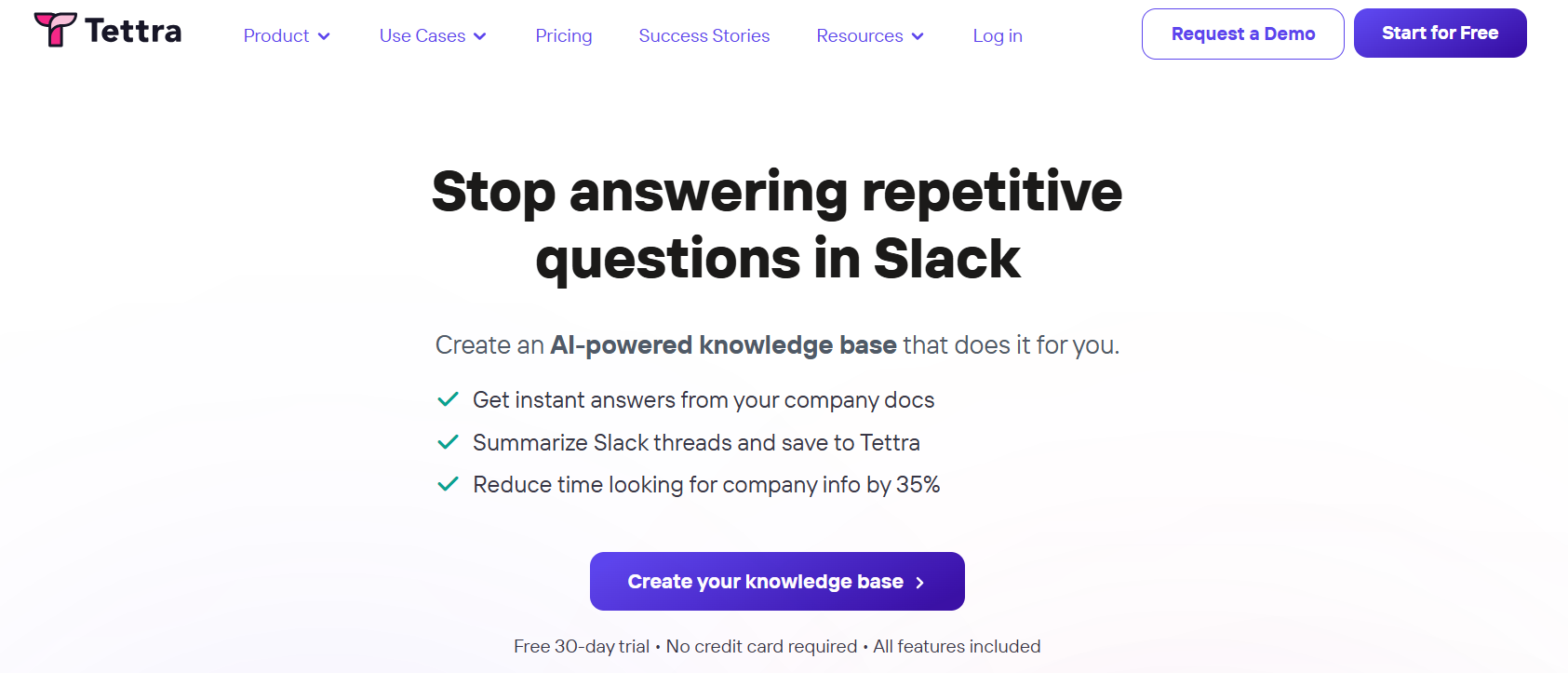
Tettra is geared toward companies needing lightweight, internal knowledge sharing, closely tied to Google Workspace and Slack. It supports:
- Simple Q&A format and search
- User permissions based on Google accounts
- Approvals and documentation suggestions
Pros:
- Strong Slack & Google Workspace integration, letting teams search and create knowledge from within chat.
- User-friendly and simple to adopt, especially for small to mid-sized teams.
- Supports approvals, content suggestions, permissions, and analytics (in higher tiers).
- Responsive support; users often praise its responsiveness.
Cons:
- Not built for public / customer-facing documentation - mostly internal focus.
- Limited in deep customization, visual formatting, and advanced workflows compared to full KB tools.
- As it scales, pricing and admin complexity grow.
Pricing:
A free 30-day trial is available for new users. The paid plan starts at $4 per user per month and can go up to $7,200 per year, depending on the selected features and usage requirements.
8 - Freshdesk Knowledge Base
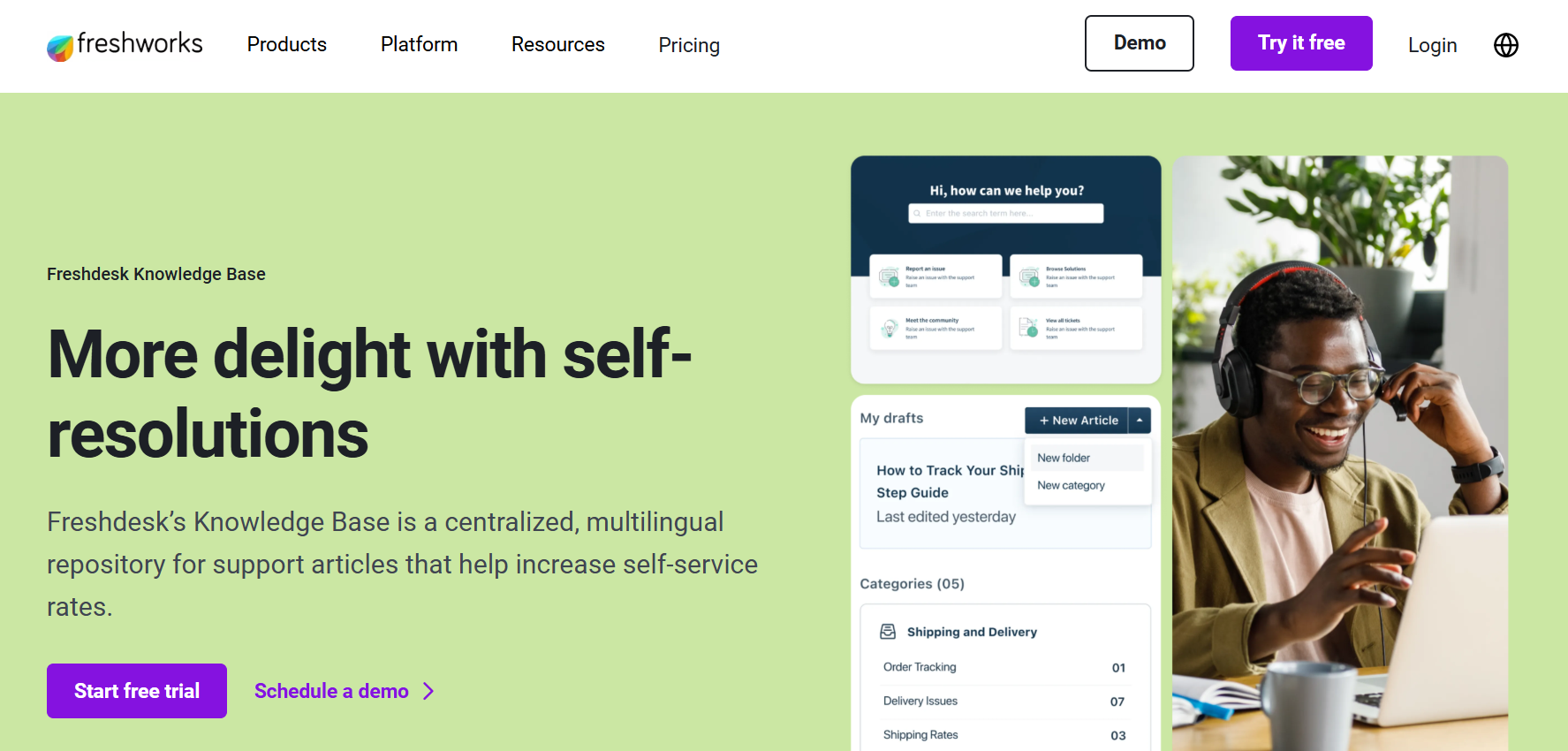
Freshdesk includes a built-in knowledge base alongside their broader SaaS helpdesk offering. You’ll find:
- Basic public and private knowledge base
- Autosuggest for ticket deflection
- Article feedback and reporting
But, especially for SaaS, the suite approach feels tacked-on, with less attention to article polish, branded experience, or integrated marketing and sales flows.
Pros:
- One unified platform: tickets + KB in the same system
- Solid automation, workflows, and integrations across support tools
- Clean and intuitive UI that’s easy to adopt
- Knowledge base available even on lower tiers
Cons:
- Not built primarily for documentation - lacks advanced structure or publishing tools.
- KB search can underperform in large bases.
- Many features (multilingual KB, versioning, portal customization) are locked behind a higher tier.
- Performance or UI complexity may degrade at scale.
Pricing:
Freshdesk includes its knowledge base starting from the Growth plan at ($15/user/month). The Pro plan ($49/user/month) adds advanced features like multilingual articles and analytics, while the Enterprise plan ($79/user/month) unlocks AI-powered article suggestions and custom roles.
Conclusion:
A powerful knowledge base isn’t just documentation. It’s your SaaS team’s secret weapon. In 2025, speed, clarity, and self-service decide who keeps customers and who loses them. The right tool doesn’t just answer questions; it builds trust, reduces churn, and frees your team to focus on growth.
So stop chasing tickets and start scaling smarter. Your customers deserve answers faster than your coffee order gets prepped.
And hey, since you’ve made it this far, you already know which tool I’d pick. Ready to see how effortless support can be with the right knowledge base software integration?
Try Pipeback today and give your customers the answers they need, right when they need them. No waiting, no frustration, just smooth support that builds loyalty.
Share this article