 Paulo Castellano
Tettra Knowledge Base Alternatives for 2026
Find the best Tettra alternatives for 2026. Compare tools with internal and external knowledge bases to see which one fits your team’s workflow.
Think about how many times your team has answered the same question this week.
“What’s our refund policy?”
“Where’s the onboarding deck?”
“Is that doc updated or are we still lying to ourselves?”
You dig through Slack like you’re hunting for lost treasure. Someone drops a mystery Google Doc. Someone else links a Notion page last edited during a previous presidency. That’s usually the moment people end up on Tettra.
Tettra does a lot right. One place for internal answers. AI that pulls replies from your pages. A simple editor, categories, page requests, stale-content checks, Slack and Teams integrations are all the things that stop your team from repeating the same explanation every other day. And yes, Tettra lets you publish a public knowledge base too. Clean enough to use, but not the fully customizable help center most SaaS companies expect their customers to rely on. If you wanna know more about knowledge base, read this guide.
Let me introduce you quickly. I’m Paulo Castellano and I’ve built SaaS products, scaled teams, and lived inside the “where-is-that-doc” nightmare more times than I’d like to admit. I’ve tested these tools myself. I even ended up building Pipeback after dealing with the same chaos Tettra tries to fix. I’ll introduce it later in the list, but just know this: I’ve tested all of these tools with real teams, real customers, and real headaches.
If you’re running a SaaS product or any business where the questions never stop, you need both sides covered. A clean internal knowledge base for your team, and a proper external one so customers don’t hammer support with things they could’ve read themselves.
So here are five Tettra alternatives that actually do both. Check their strengths. Match them with your workflow. Pick what fits.
Let’s get started.
Tettra Knowledge Base Alternatives at a Glance
Tool
Internal KB
External Help Center
AI Features
Best For
Starting Price*
Pipeback
Yes
Full help center
AI search, suggestions, chatbot
Teams wanting internal + external KB in one
$99/mo (Pro, 10 seats) – 14-day trial
Slite
Yes
No (internal only)
AI search
Teams wanting a structured internal wiki
$8/user/mo
Document360
Yes
Full help center
AI search, content suggestions
Teams needing advanced workflows & structure
Quote-based (14-day trial)
Notion
Yes
Basic public pages only
Notion AI (summaries, drafts)
Teams wanting a flexible internal workspace
Free, then $10 (Plus) or $20 (Business) per user/mo
Help Scout
Limited
Full Docs help center
AI drafts, AI Answers (add-on)
Support teams needing inbox + KB + chat
Free, then $25/user/mo
1. Pipeback
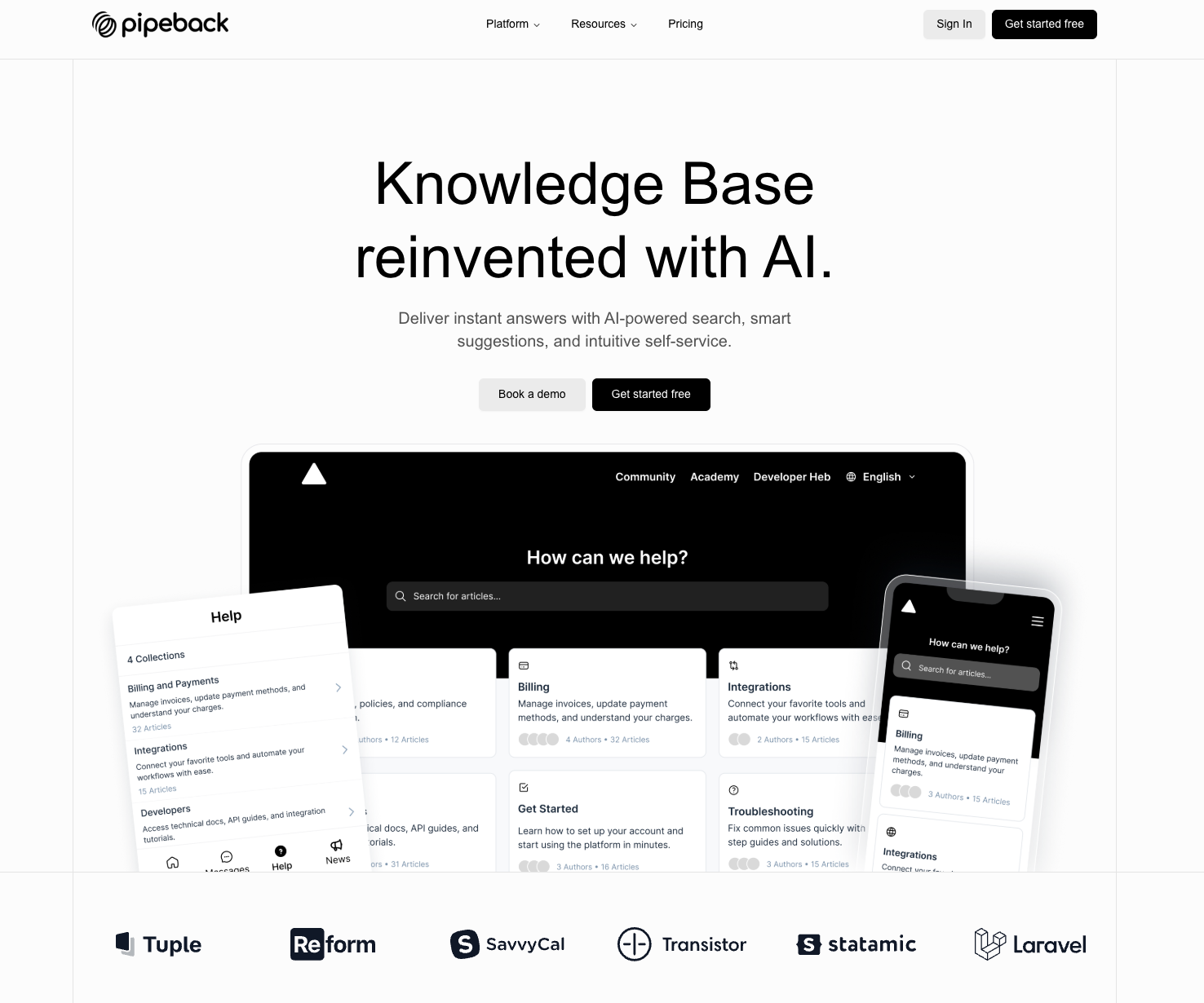
Yeah, you can call me biased. I built Pipeback (an all in one customer growth platform) because I was tired of juggling five different tools to solve one simple problem. People need answers. Fast. Clear. From one place and Pipeback exactly solved this problem so it technically deserves the #1 spot.
Pipeback Knowledge Base covers both sides. Your team gets an internal knowledge base that's pretty easy to use and find answers. Plus, your customers get a clean external help center to find super fast answers and stick with your business. And the whole thing runs with AI so that people can find the right answer at the right time without browsing.
Want a quick tour of the Pipeback knowledge base? Watch the walkthrough video below👇. It covers everything you need to know.
Features:
- Instant AI-Driven Search - You type a question and the system pulls the right answer from your articles.
- Smart suggestions - As customers browse, Pipeback recommends related articles so they solve questions before sending your team another ticket.
- Multi-language support - If your users live in another part of the world, the knowledge base still feels local.
- AI chatbot - Your customers can ask whatever they want, any time. The bot pulls answers straight from your docs.
- User feedback - Visitors can tell you if an article helped or wasted their time. You see what needs fixing before it becomes a pattern.
- Branding - You can customize the external knowledge base as per your brand image. Change colors, add your logo, adjust the layout. Your help center looks like yours, not a template someone forgot to finish.
- Reports - Facilitates track views, searches, failed searches, article performance and discover what your customers keep struggling with.
- Collections - Sort your docs into clear groups so nobody feels lost.
- Powerful editor - Editor has all the features that help make the pages look cleaner such as rich formatting, images, embeds. You write once and it reads well everywhere.
And because this thing isn’t built in a vacuum, teams across different industries use it daily. Solo founders like quicker workflows. Growing SaaS teams like clear communication. Enterprises like the mix of speed and structure. The testimonials speak for themselves.
Pros
- Very fast setup. You can build a usable external knowledge base in minutes and live it on your website or app.
- Internal and external knowledge base in one place.
- Strong AI features that actually reduce support load.
- Clean UI that works even for non-technical teams.
- Supports product communication features like updates, changelogs, and feedback pages, so teams can manage multiple parts of the customer communication workflow without switching tools. (Features depending on the plan)
Cons
- Limited third-party integrations compared to older enterprise tools.
Pricing
The knowledge base starts on the Pro plan at $99 per month for 10 seats. If you want multilingual docs or advanced analytics, the Scale plan at $299 covers that. You can try everything first with a 14-day free trial before paying a cent.
2. Slite
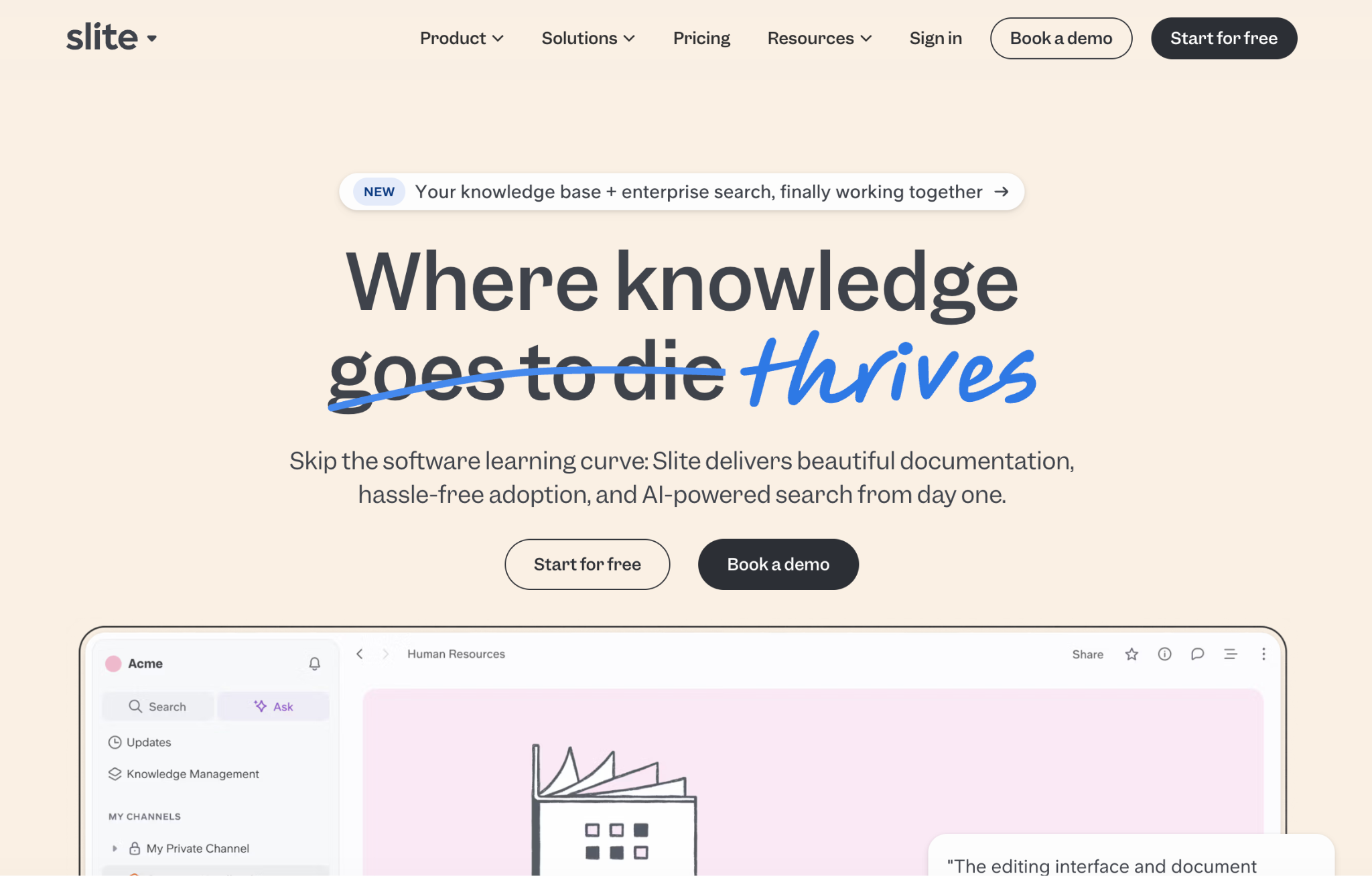
Slite is an internal knowledge base built for teams that want their documentation to stay clean, organized, and easy to find. It keeps information in one place and reduces the back-and-forth that usually happens when people can’t locate the right page. If you’re also looking for an external knowledge base. It's not for you, Slite built primarily for internal use and does not provide a customizable external help center for customers.
Key Features
- AI-powered search - that turns questions into instant answers and reduces repeated team queries.
- Document verification so outdated pages are flagged and owners are reminded to review them.
- Ownership transfer when team members leave, keeping content maintained over time
- Bulk management tools for organizing and updating larger sets of documents
- Simple editor for creating technical docs, playbooks, policies, and project documentation.
- Team templates for onboarding, audits, software documentation, and operational workflows.
- Compliance-ready options including SSO, SCIM provisioning, SOC 2, GDPR, and HIPAA support in the Enterprise plan.
- Analytics and access controls for managing visibility, tracking usage, and keeping content structured.
Pros
- Very clean interface that keeps internal documentation easy to maintain.
- AI-powered search helps teams find answers faster without tapping someone on Slack.
- Strong structure tools (verification, ownership transfer, bulk updates) keep content from going stale
- Good set of templates for onboarding, audits, and technical documentation.
- Enterprise-ready options for teams that care about security and compliance.
Cons
- No proper external knowledge base, so it can’t act as a public help center for customers.
- Limited customization and branding compared to full documentation platforms.
Pricing
- Standard plan starts at $8 per user per month for the core knowledge base.
- Knowledge Suite is $20 per user per month, adding enterprise search across all your tools.
3. Document360
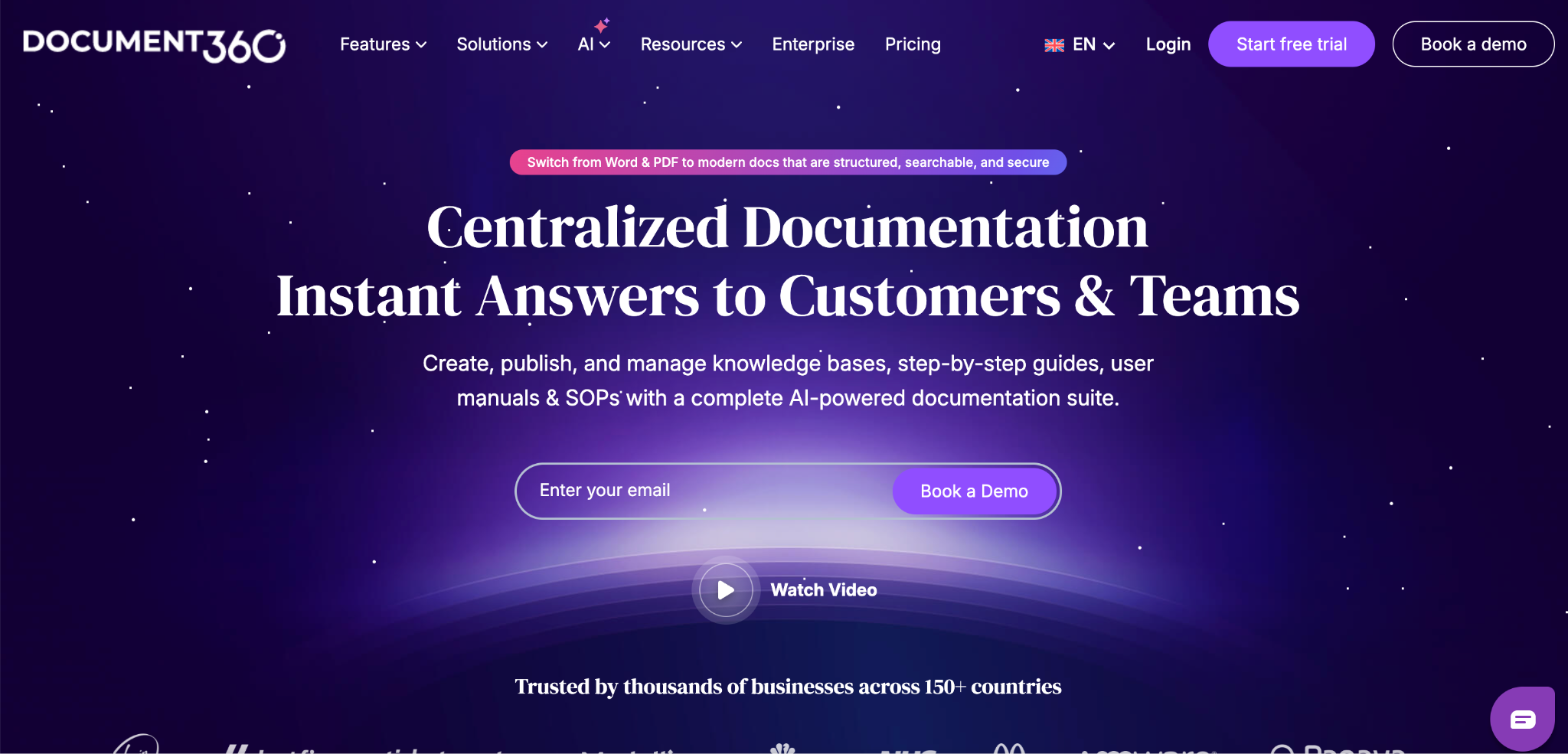
Document360 is built for companies that need a strong internal knowledge base and a polished external help center in the same system. It gives support teams, product teams, and customer-facing teams one structured place to write, manage, and publish documentation so answers stay consistent everywhere.
Key Features
- Centralized internal knowledge base for support agents and internal teams.
- External help center with a custom domain, brand styling, and clear navigation
- AI-powered search so agents and customers find answers instantly.
- Workflow builder that controls updates and approvals before anything goes live.
- Category manager to organize articles into clean topics.
- Multi-language support to publish localized documentation.
- In-app help center widget that shows articles directly inside your product.
- Support ticket deflector to reduce repetitive questions before they reach your team.
- Analytics dashboard that highlights views, searches, and content gaps.
- Security and controls including SSO, audit trails, backups, and permissions
- Integrations with Zendesk, Freshdesk, Zoho, Intercom, and other helpdesk tools.
Pros
- Serves both internal teams and external customers in one platform.
- Strong workflow controls that keep documentation reviewed, approved, and up to date.AI-powered search makes it easy for users to find answers quickly.
- Excellent structure tools like category management, multilingual publishing, and reusable elements.
- Integrates well with major helpdesk tools, which helps support teams work faster.
- Detailed analytics that reveal search gaps, content performance, and user behavior.
Cons
- Pricing isn’t publicly listed, which can make comparisons harder for smaller teams.
- More complex to set up and manage than lighter, simpler documentation tools.
Pricing
Document360 works on tiered plans. The Professional, Business, and Enterprise tiers each add more workflow controls, analytics, security, and AI capabilities. Pricing isn’t listed publicly, so you request a quote based on your team size and requirements. A 14-day free trial is available if you want to test the full knowledge base before moving ahead.
4. Notion
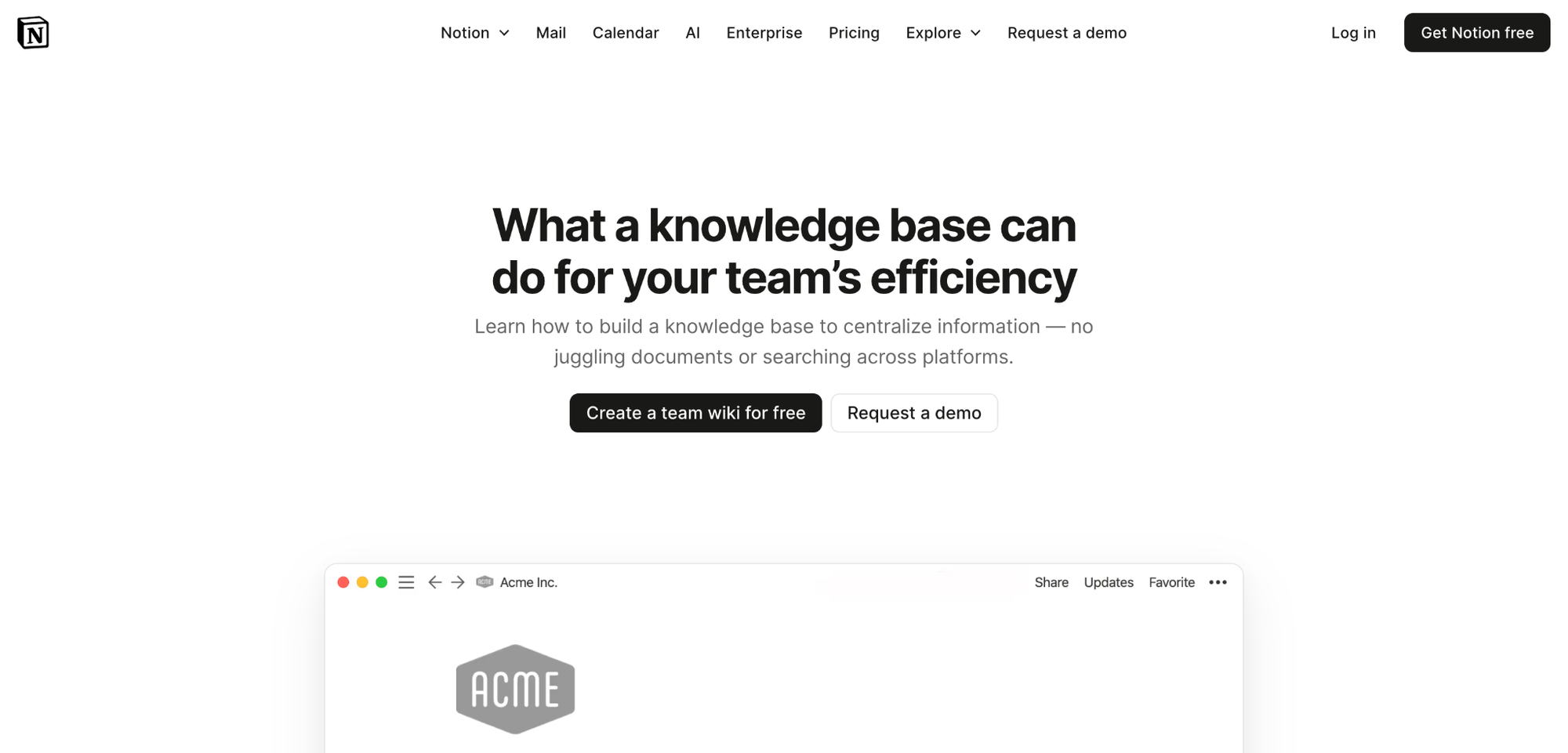
Notion is a flexible workspace that many teams use as an internal knowledge base. It works well if you want one place for wikis, docs, meeting notes, directories, and project information without jumping between tools. The appeal is simplicity: everything lives in pages and sub-pages, and anyone can build the structure they need.
Notion also allows you to publish pages publicly, so you can share documentation externally, but it doesn’t function as a full help center or customizable knowledge-base site.
Key Features
- Team wiki pages for storing company knowledge in a single, organized hub.
- Nested pages and sub-pages to structure SOPs, docs, and project resources.
- Custom properties and tags to make information easier to sort and find.
- Shared teamspaces for departments like engineering, HR, ops, and support.
- Simple page editor that works well for general documentation.
- Notion AI for quick drafts, summaries, or light content generation.
- Search that makes it easy to find pages across the workspace.
- Templates for onboarding, team homepages, and recurring documentation.
Pros
- Simple, flexible workspace that teams can set up quickly.
- Clean editor and page structure that makes organizing internal knowledge easy.
- Affordable pricing, which makes it a popular entry-level option.
Cons
- No dedicated external help center customers can use as a full support site.
- Search is weaker compared to AI-first knowledge platforms built for docs.
- No advanced workflows like approvals, versioning, or review reminders.
- Easy to break structure because anyone can create pages anywhere.
- Harder to maintain at scale as the workspace grows and teams multiply.
- No strong analytics to understand what people search for or where content fails.
It’s fine for teams that want a simple internal wiki, but it’s not ideal if you need a polished, customer-facing knowledge base or more control over documentation quality.
Pricing
Notion has simple, tiered pricing, which is one of the main reasons many teams start with it. There’s a Free plan that works for personal use or very small setups, the Plus plan at $10 per user per month for small teams, and the Business plan at $20 per user per month that adds SSO, permissions, and extra controls. Because it’s either free or inexpensive to get started, a lot of companies use Notion as their first internal knowledge base.
5. Help Scout
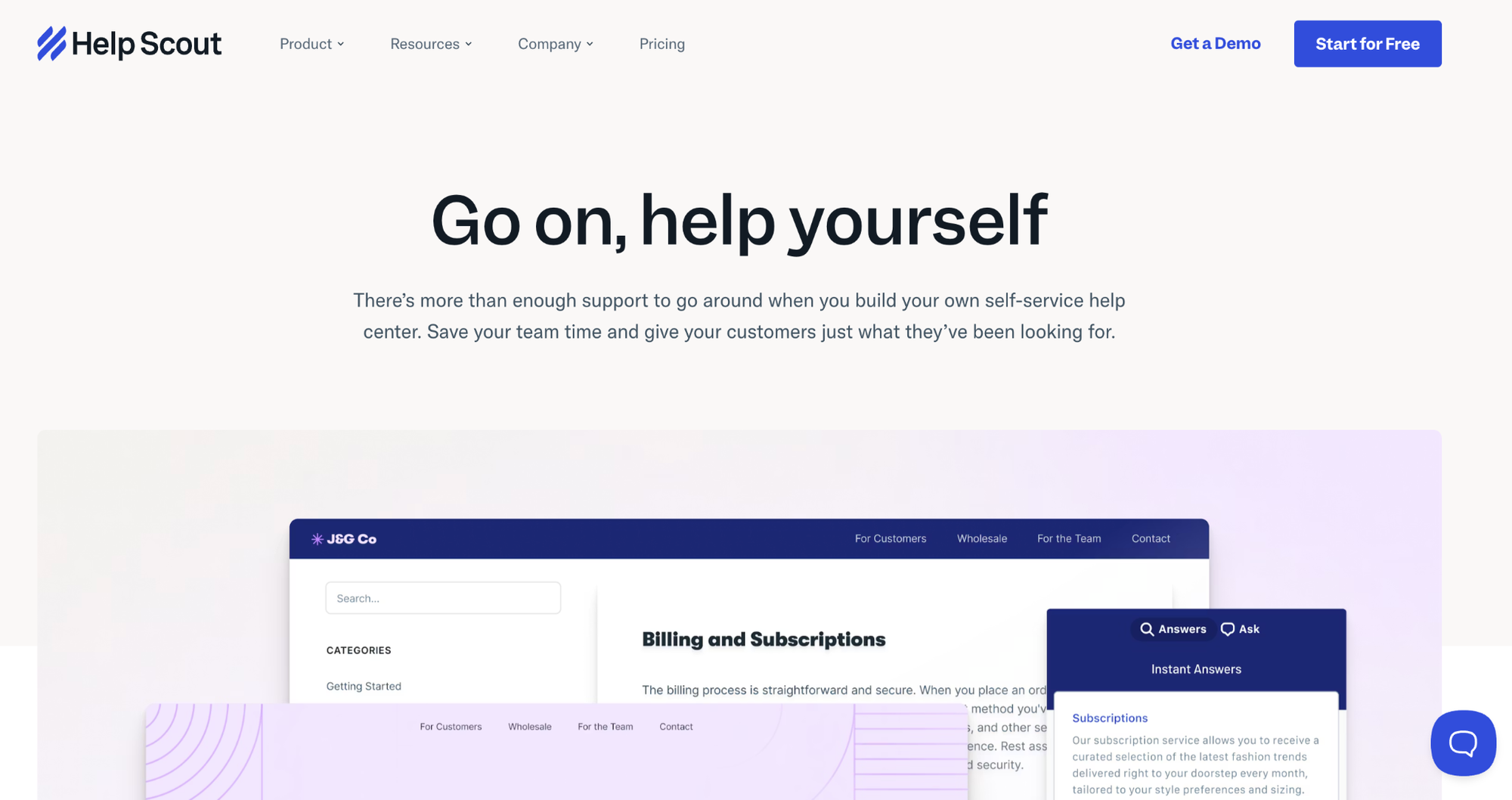
Help Scout is a customer support platform with a clean, easy-to-manage external knowledge base called Docs. It’s built for teams that want customers to find answers quickly without relying on email support. You can publish articles, customize the help center, embed it inside your product, and connect it with Help Scout’s inbox and live chat for a full support workflow.
Key Features
- Public help center you can brand and publish without any coding.
- AI-assisted writing tools to improve article drafts and format content.
- Beacon widget to show help articles directly inside your app or website.
- Searchable articles that help customers solve problems before contacting support
- Article analytics for tracking views, search behavior, and content gaps.
- Easy insert-to-reply so agents can send Docs links directly from the inbox.
- Multiple knowledge bases for teams managing several products.
- AI Answers add-on that resolves routine questions automatically.
Pros
- Very simple to set up; non-technical teams can build a help center fast.
- Works seamlessly with Help Scout inbox and chat.
- Clean, easy-to-read article layout customers understand instantly.
- Strong analytics to identify content gaps and trending topics.
- Beacon makes in-app help extremely accessible.
Cons
- Limited control over deep customization compared to full documentation platforms.
- Not ideal if you only want a standalone knowledge base with no support tools.
- Workflows and structure are simpler than tools built purely for documentation.AI Answers is a separate add-on, which increases cost if used heavily.
Pricing
Help Scout keeps pricing simple. The Free plan gives small teams one inbox and one knowledge base to get started. The Standard plan, priced at $25 per user per month, unlocks multiple inboxes, multiple knowledge bases, and the core features most growing teams need. Everything else in the section remains exactly as written.
Conclusion
Choosing a knowledge base isn’t just about picking the “best” tool. It’s about picking the one that fits the way your team works. Some companies need a simple internal wiki. Others want an external help center their customers can rely on. And some need both, plus AI, plus structure, plus the kind of consistency that removes repeated questions for good.
Every tool on this list solves the problem differently. A few offer free trials, so the smartest move is to try the ones that match your needs and see how they feel in real use. Pipeback has a 14-day free trial, so you can set things up, test the AI search, and decide for yourself if it fits your team. The same goes for the other platforms to explore, compare, and pick the paid plan that actually makes your day-to-day easier instead of adding another tool to manage.
If you want to go deeper into how knowledge bases work and why they matter, here are a few resources I’ve written that might help:
- Ways a Knowledge Base Reduces SaaS Support Tickets
- Open Source vs SaaS Knowledge Base
- How to Create a SaaS Knowledge Base
Take your time, explore the options, and choose what makes sense for your product, your customers, and your internal workflow.
Share this article